JavaScript disabled

This website requires JavaScript to function properly.
Please enable it in your browser and reload the page.

Download UPDATE | MaGeSY ®™⭐
🎵 MaGeSY® R-EVOLUTiON™⭐⭐⭐

  • Cubase v5.1 Pro WiN x86 DVDR-AiRiSO-MaGeSY

    Cubase v5.1 Pro WiN x86

    TEAM AiRiSO | 15 October 2009 | 3.96 GB

    Cubase 5 – Advanced Music Production System. Cubase 5 comes with fully integrated new tools for working with loops, beats and vocals, such as LoopMash and VariAudio, combining with new composition features and the first VST3 convolution reverb to take musical creativity to new heights. With stunning innovations and additional enhancements that boost productivity and performance, Cubase 5 represents the absolute cutting edge in digital audio workstations.


    Viewed 38229 By Music Producers & DJ´s.

  • Serum 2 v2.0.24 MAC-V.R
    April 11th, 2026 ⚡
    Categories:

    Serum 2 v2.0.23 MAC-V.R-MaGeSY

    Serum 2 v2.0.24 MAC

    Team V.R | 27 November 2025 | 1.26GB | UPDATE: 18.75MB

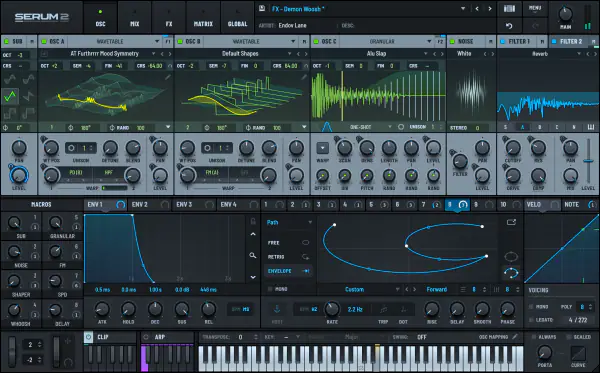
    The original motivation for creating Serum was to have a dream synthesizer that did not exist: a wavetable synthesizer with a truly high-quality sound, visual and creative workflow-oriented interface to make creating and altering sounds fun instead of tedious, and the ability to “go deep” when desired – to create / import / edit / morph wavetables, and manipulate these on playback in real-time.


    Viewed 113907 By Music Producers & DJ´s.


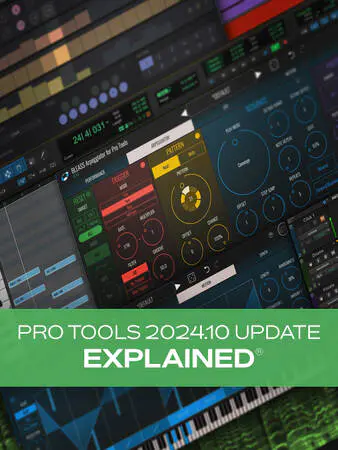
  • Pro Tools 2024.10 Update Explained TUTORiAL-MaGeSY

    Pro Tools 2024.10 Update Explained

    HiDERA | 07 December 2024 | 123 MB

    Join Pro Tools guru Eli Krantzberg for a detailed examination of the changes found in the new Pro Tools 2024.10 update! This version includes new plug-ins, MIDI features, workflow improvements, and more, and by the end of the Pro Tools course, you’ll be ready to take advantage of them all (should you choose) for your very next session. There’s no reason to lose out on these important upgrades! These Pro Tools videos are designed for Pro Tools users new to version 2024.10.


    Viewed 84384 By Music Producers & DJ´s.


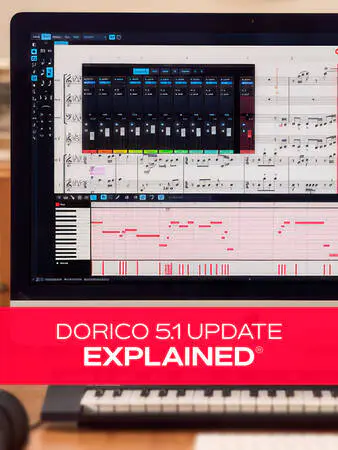
  • Dorico 5.1 Update Explained 2025.03 TUTORiAL-MaGeSY

    Dorico 5.1 Update Explained®

    HiDERA | 02 March 2025 | 382 MB

    Dorico, Steinberg’s flagship music notation software, just got a hefty upgrade with version 5.1. In this Dorico video course, Groove3 veteran Doug Zangar will take you on a guided tour through all the important changes and added features that help you work more quickly and effectively, no matter how you use Dorico. From the newly included orchestral library to specific features about dynamics, it’s all covered here! These Dorico videos are designed for users who want to know specifically about the new features and functions found in version 5.1. Doug begins the course with a look at the newly added orchestral library, Iconica Sketch. You’ll learn how to install it, choose a playback template, and get familiar with the interface before hearing an excerpt from the course project to demonstrate some of the sounds. You’ll also learn about the new polyphonic voice balancing feature, which can help bring out the inner voice melodies or contrapuntal parts so they don’t get lost in playback.


    Viewed 89260 By Music Producers & DJ´s.


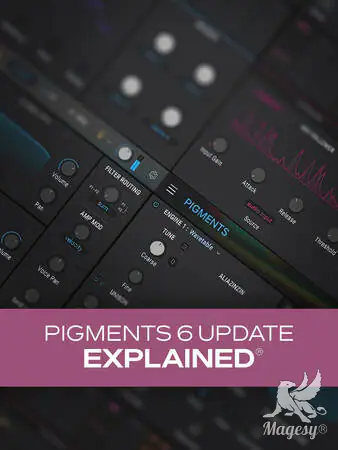
  • Pigments 6 Update Explained TUTORiAL-HiDERA-MaGeSY

    Pigments 6 Update Explained®

    HiDERA | 08 March 2025 | 118 MB

    Join synth guru Larry Holcombe for a look at the newly updated Pigments 6 from Arturia. In this Pigments 6 video course, you’ll get a rundown of all the new features and improvements, clear explanations of how they work, and plenty of inspiring demonstrations to show what you can do with the new features. Whether it’s creating classic vocal effects with the new Vocoder effect, exciting new modulation possibilities with randomization, or the new Modal Engine, it’s all covered here! By the end of the course, you’ll be fully up to speed with all these new additions and will be ready to use them on your very next track. These Pigments 6 videos are designed for new users of Arturia’s Pigments version 6 virtual synthesizer. To begin, Larry welcomes you and briefly touches upon the new features before covering each in detail. He also shows how to select similar sounds using the machine learning feature within the preset browser, which can help quickly identify alternative sounds that are similar. Then it’s on to the Modal Engine, which is a new feature designed to mimic the response of various acoustic sound properties. You’ll learn about the Collision and Resonator settings, including how to excite the resonator with a drum beat by using the side-chain input. The Friction section is covered then, along with a demonstration of how to use the Modal Engine with modulation, reverb, and delay.


    Viewed 17792 By Music Producers & DJ´s.


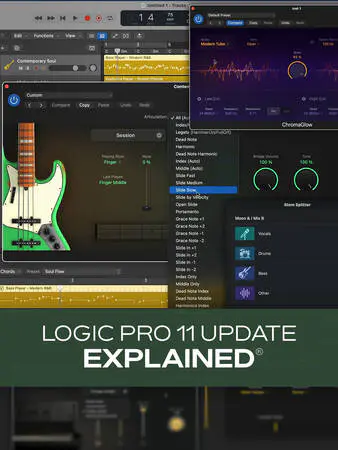
  • Logic Pro 11 Update Explained TUTORiAL-HiDERA-MaGeSY

    Logic Pro 11 Update Explained®

    HiDERA | 01 June 2025 | 480.52 MB

    Join Logic Pro expert Eli Krantzberg on a journey through all the amazing features in Logic Pro 11! Apple really went all out in this new version, and you’ll learn about everything that’s new and/or improved. From all the new instruments and plug-ins to the AI-driven assistant features, Eli leaves no stone unturned, and you’ll be up to speed and taking full advantage of these improvements in no time! These Logic Pro 11 videos are designed for new Logic Pro 11 users. Eli begins with a brief overview of the main updates and additions in Logic Pro 11, so you’ll know what’s to come, and then explores the new Session Players AI-based feature. You’ll learn how it allows you to quickly and easily generate realistic-sounding performances for drums, bass, and piano in numerous genres, along with the many ways in which you can customize the parts via the Session Player Editor. Next, Eli covers each of the new instruments—Studio Bass and Studio Piano – in detail, highlighting the different models, microphone combinations, and all the other tweakable parameters available that will let you dial in the exact sound and feel you need. This is followed by a look at the various ways of getting chords into the Chord Track, as well as the myriad options for sound and part customization within the Session Player Editor for Studio Bass and studio piano.


    Viewed 67648 By Music Producers & DJ´s.


  • KONTAKT 5 Update Explained TUTORiAL
    March 18th, 2026 ⚡
    Categories:

    KONTAKT 5 Update Explained TUTORiAL-MaGeSY

    KONTAKT 5 Update Explained

    TEAM MATRiX | 30.04.2014 | 249 MB

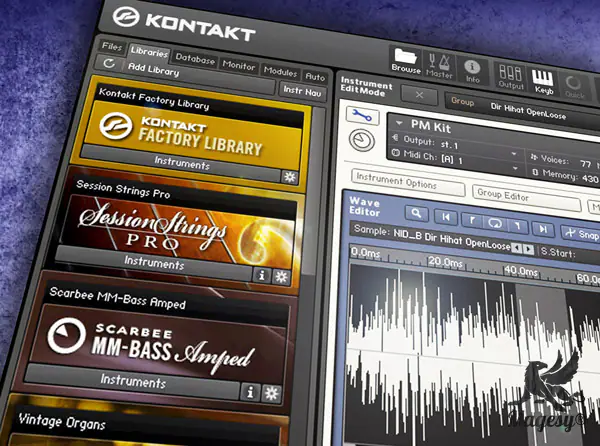
    Studio master Mark Struthers shows you everything you need to know about the new features added to KONTAKT version 5. See and learn all the new features and functions that this powerful update brings to this world-class software sampler. Mark begins with an introduction briefly discussing the new additions to KONTAKT 5. He then begins with a detailed look at the new filters included with version 5, revealing the Variable Filters, SV Filters, Ladder Filters, Adaptive Resonance Filters and more. Time Machine Pro is then explored and you’ll see just how easy it is to pitch shift material while keeping its original tempo in place. Mark now goes old school and breaks down the new SP1200 and MPC60 MASCHINE Sound Engines that are built into KONTAKT 5, giving you that great vintage vibe for your samples.


    Viewed 74535 By Music Producers & DJ´s.


MaGeSY TeleGram Subscribe & Stay up to date with all the Posts that are published in MaGeSY MaGeSY Podcast: Subscribe & Stay up to date with all the Audio Posts that are published in MaGeSY MaGeSY Instagram Official MaGeSY-Youtube Official MaGeSY-X Official MaGeSY-Facebook Official Social Networks:MaGeSY-Pinterest Official MaGeSY-WhatsApp Channel Official  MaGeSY-TiK-TOK Channel Official

Total Posts: ❨ 🎵➡134 ❩ | Paged: ➡ 0


ಮ್ಯಾಜೆಸ್ಯ್