JavaScript disabled

This website requires JavaScript to function properly.
Please enable it in your browser and reload the page.

Download TUTORiAL | MaGeSY ®™⭐
🎵 MaGeSY® R-EVOLUTiON™⭐⭐⭐

  • The Studio as an Instrument TUTORiAL
    October 9th, 2018 ⚡
    Categories:

    image

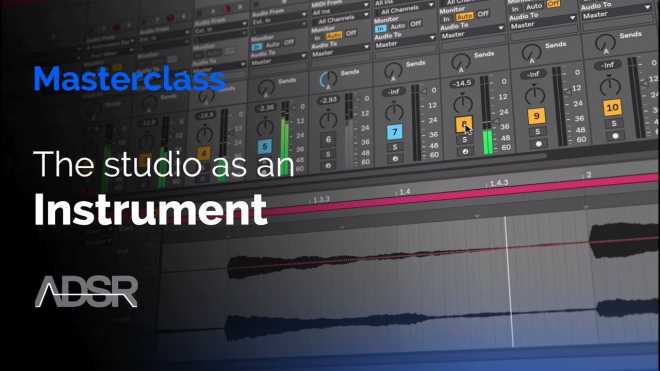
    The Studio as an Instrument TUTORiAL

    FANTASTiC | 08 Oct 2018 | 265 MB

    Classic techniques based on tape editing, effects processing & audio routing.

    Some of the most original and creative sounds were born out of mistakes and what could be considered the limitations of musician’s hardware and software. Working with a basic set of techniques and tools requires you to think more about all stages of the process. This course is focused on the concept of the Studio as an Instrument – explore classic techniques based on tape editing, effects processing and audio routing. Techniques like these have created iconic sounds and shaped our modern hardware and software solutions. Studying these classic techniques will give you a better understanding of how modern tools work and more importantly further inspire you to create and innovate your own sound by experimenting with the tools you have at your disposal in your own studio.


    Viewed 4916 By Music Producers & DJ´s.

  • Logic Pro X Compressors TUTORiAL-SYNTHiC4TE
    October 6th, 2018 ⚡
    Categories:

    image

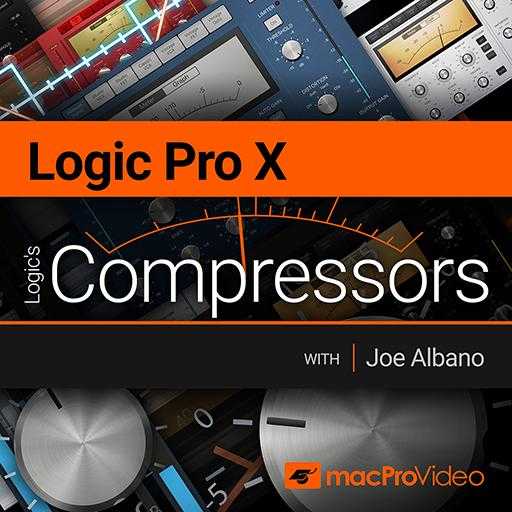
    Logic Pro X Compressors TUTORiAL

    SYNTHiC4TE | Oct 05 2018 | 236 MB

    Joe Albano is the perfect trainer to explain and explore the ins-and-outs of Logic Pro’s family of compressors. In this course, he divulges the inside info about which world-class compressors they’re modelled after and then shows you how to best deploy them! You learn every knob, button and meter that these Logic-only plugins have, and you get a really solid primer on compression, side-chaining and even limiting techniques.


    Viewed 3828 By Music Producers & DJ´s.


  • image

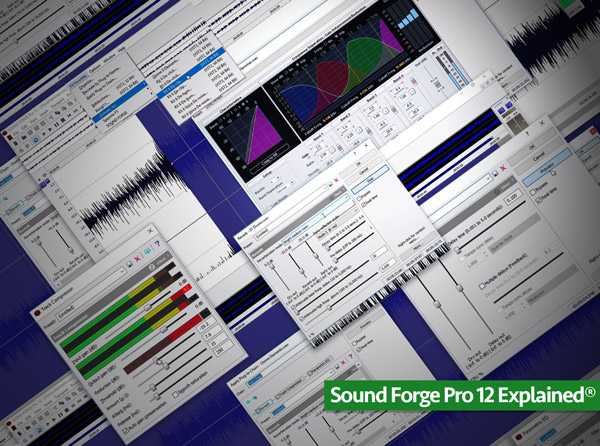
    Sound Forge Pro 12 Explained®

    SYNTHiC4TE | Oct 05 2018 | 348 MB

    In this video tutorial series, DAW pro Gary Hiebner presents a video collection designed for the new Sound Forge Pro 12 user! Learn everything you need to know to get started with Sound Forge Pro 12, all the way through exporting your mastered files and more. Gary begins by welcoming you and then gives an introduction to Sound Forge Pro 12 and what it’s all about, followed by how to download and install it. You’ll then see how to set up your audio interface and import your first audio files into SFP for editing. Next, Gary shows how to record directly into Sound Forge Pro, and then covers its metering, editing audio, using markers and regions, and the processing functions available to you. Moving on you’ll discover numerous topics including how to add effects, use Wavehammer, view and edit volume and pan envelopes, SFP audio restoration tools, the included iZotope RX and Ozone Elements, creating plug-in and mastering chains, and more. Wrapping up your SFP journey, you’ll learn creative sound design tips and tricks such as using Sound Forge as a sound design tool, setting up SFP to work with your DAW and then important management workflows like saving and exporting your files, CD authoring, batch converting and much more.


    Viewed 4345 By Music Producers & DJ´s.


  • image

    Recording & Editing MIDI

    SYNTHiC4TE | Oct 04 2018 | 242 MB

    Studio One 4 TUTORiAL

    PreSonus Studio One 4 is extremely powerful when it comes to MIDI editing and recording. In this course, producer and trainer Joshua Carney covers all the MIDI tools and techniques you need to master to work efficiently with Studio One 4. First, you first learn about MIDI setup, how to choose instruments, save and load presets, and tips to best deal with latency. Next, you learn different MIDI recording techniques, including auto-punch, loop recording, step input, using the pattern editor, and more. Once your MIDI data is recorded, you discover how to quantize it and edit it to perfection in the MIDI editor. Joshua takes you through four of the main instruments included in Studio One 4: the Impact XT drum sampler, the Mai Tai analog poly synth, the Mokito mono synth, and the Presence XT sampler. Then you dive deep into the MIDI Effects where you learn to use the Arpeggiator, Chorder, Repeater and Input Filter. The course ends with some advanced tutorials covering multi-instruments, macros and the Channel Editor.


    Viewed 5591 By Music Producers & DJ´s.


  • image

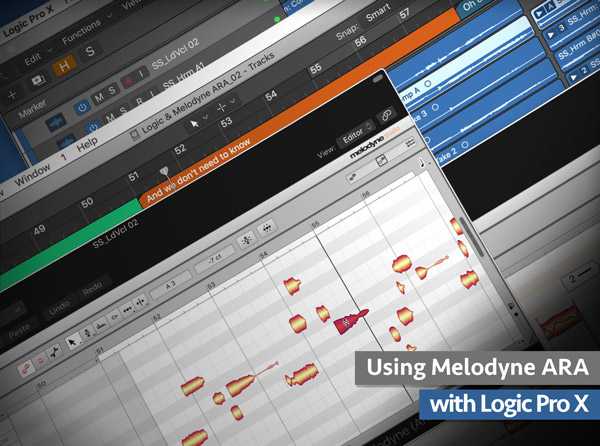
    Using Melodyne ARA with Logic Pro X

    SYNTHiC4TE | Oct 03 2018 | 129 MB

    Eli Krantzberg delivers a series dedicated to the new Melodyne ARA feature now in Logic Pro X! See and hear how amazing this new functionality is, and what it can do for your tracks and productions. Eli starts off with an introduction covering what ARA is and then jumps right in, explaining how to switch between Track Mode and Clip Mode in Melodyne ARA, how to edit or reference multiple tracks, control playback, and enter Note Assignment Mode. Next you’ll see how Melodyne’s ARA 2 integration works with Logic’s Take Folders and Quick Swipe comping, followed by how edits within Melodyne ARA are applied to looped regions in Logic Pro X in real-time. Next, you’ll discover how to use the “Apply Project Tempo from the File Tempo” menu to make sure Melodyne’s time grid is in sync with Logic’s bar ruler, and then how to work around the incompatibilities between ARA and Logic’s Flex Time when changing song tempo.


    Viewed 5936 By Music Producers & DJ´s.


  • image

    The Recording Revolution REthink Vocals

    P2P | 28.09.2012 | 583 MB

    Want Better Sounding Vocals?

    We all want to produce top notch vocals in our recordings. Whether we’re tracking our own songs at home or producing vocals for paid clients, we know that a polished vocal can make or break a recording. But capturing a great vocal is more than just buying a great mic and letting the singer rip. There are some key behind-the-scenes steps that take place in order to create that crystal clear, punchy, and vibrant vocal we all hear on the radio.


    Viewed 9332 By Music Producers & DJ´s.


  • image

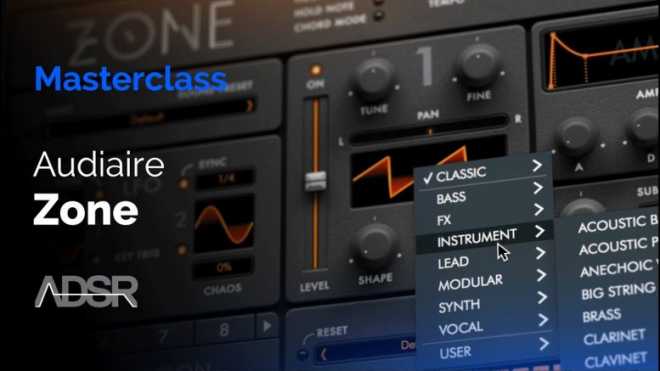
    Learn Every Feature & Function of Zone

    FANTASTiC | 03 Oct 2018 | 741 MB

    Zone is the brand new synth from Audiaire. Zone is a unique software synthesiser that encourages complex sound design in a musical way, showcasing the beautiful idiosyncrasies seldom seen in digital instruments. With so many options for generating sounds it can quickly become overwhelming. Zone is a new soft synth recently released. Featuring a powerful parameter sequencer that allows virtually every control to be assigned to and modified by its own independent sequencer lane, Zone promises almost limitless possibilities for sound generation. Go under the hood in this 14 part course and find out just what Zone can do. Whether you’ve already got yourself a copy, or you’re interested in finding out whether this software is for you. This 2-hour course dives deep to give you all the knowledge you need to get started as a Zone power user today.


    Viewed 4759 By Music Producers & DJ´s.


MaGeSY TeleGram Subscribe & Stay up to date with all the Posts that are published in MaGeSY MaGeSY Podcast: Subscribe & Stay up to date with all the Audio Posts that are published in MaGeSY MaGeSY Instagram Official MaGeSY-Youtube Official MaGeSY-X Official MaGeSY-Facebook Official Social Networks:MaGeSY-Pinterest Official MaGeSY-WhatsApp Channel Official  MaGeSY-TiK-TOK Channel Official

Total Posts: ❨ 🎵➡4480 ❩ | Paged: ➡ 324


ಮ್ಯಾಜೆಸ್ಯ್