DJ Mix Pads 2 v6.0.13 macOS
TNT | 15 August 2025 | 145.19MB
.: Remix Version :.
DJ Mix Pads 2 – Remix Version is a unique music making board that includes everything you need to create beats.
Viewed 111939 By Music Producers & DJ´s.


DJ Mix Pads 2 – Remix Version is a unique music making board that includes everything you need to create beats.
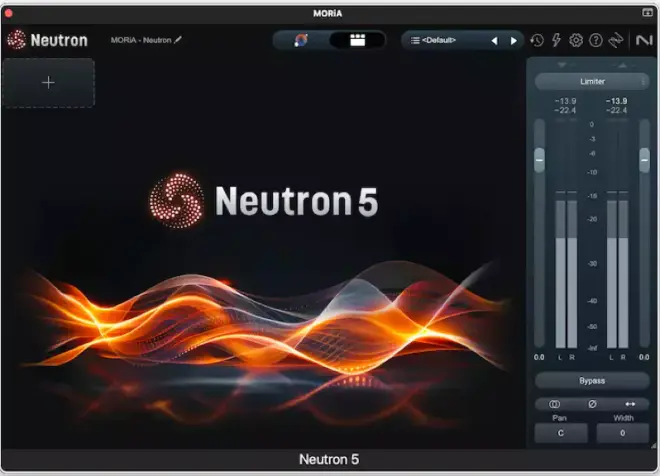
Neutron 5 Modern. Intelligent. Your complete mixing suite. Mix smarter and faster with iZ Neutron 5, your complete suite for crafting a professional mix. Sculpt sounds seamlessly while staying in your flow. Neutron 5 comes with 12 plug-ins including a mothership and 7 component modules. Use the component plug-ins individually or combine them in the mothership to sculpt your sound. Plus, you’ll get Visual Mixer, Relay and Tonal Balance Control 2 plug-ins to assist your mixing process.
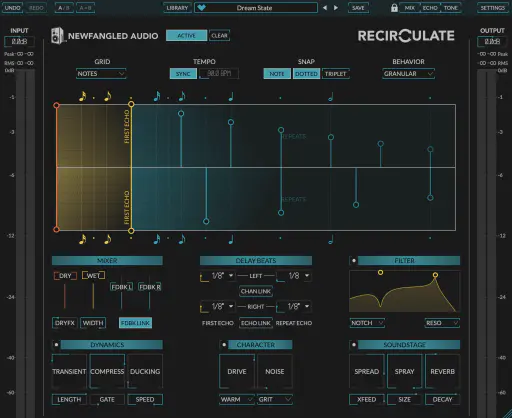
Recirculate isn’t just a delay plugin; it’s the distilled essence of what a feedback echo should be. By stripping away the baggage and focusing on the sound and control we’ve created the perfect tool for adding depth and dimension to your mixes.
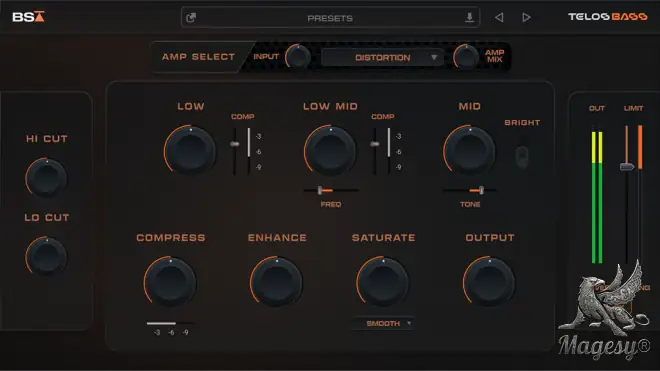
It’s never been easier to lock in your low end. It used to require 3-5 plugins and endless tweaking to achieve tight lows, clear midrange and consistent dynamics. Telos – Bass makes it effortless. From warm and smooth to aggressive & grinding, it shapes any bass DI, amp, or synth into a tight, clear, powerful foundation for your mix in seconds.
Ready to improve your mixes but aren’t sure where to start? Start here! This mixing tips video course teaches you 10 indispensable mixing tips that will help transform your mixes in no time at all. Mixing wizard Larry Holcombe breaks down topics like mix organization, sidechain circuitry, low-end control, using a reference track, and more in an easy-to-follow manner with plenty of demonstrative examples. You’ll begin to see notable improvements in your very next mix! These mixing videos are designed for intermediate-level mix engineers looking to improve their mixes. Larry begins by focusing on mix organization, consolidation of parts, and gain staging, ensuring that you’re starting off on the right foot. Then he explains how to group the tracks into busses and add metering to properly visualize frequency and loudness. You’ll also learn how to use internal sidechain EQ to make sure your compressor isn’t getting gummed up by responding to unwanted sounds. Next, Larry focuses on the low end, demonstrating how to obtain a thicker bottom by taming a bass resonance and adding a general low-end boost.
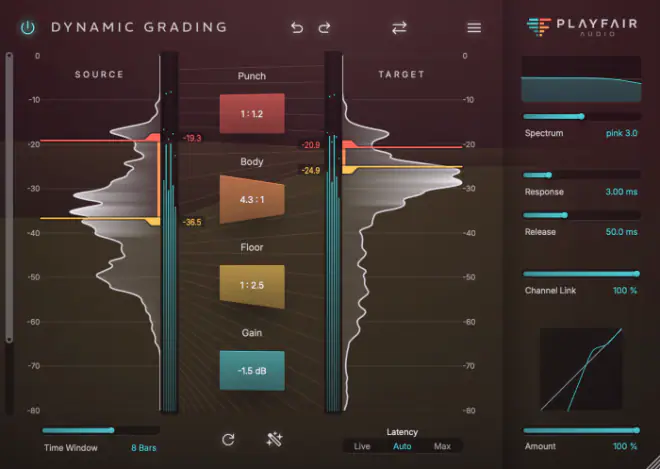
Mixing should feel like making art, not solving a puzzle. With Dynamic Grading, you can dive straight into creative decisions, exploring and navigating your mix’s dynamic range with confidence and intention. Sculpt punch, shape body, and carve out space without getting lost in endless parameters. When inspiration strikes, Dynamic Grading keeps distractions out of the way, letting you focus on what matters: making your mix come alive. Dynamic Grading isn’t just another compressor—it’s a fresh approach to mixing that keeps you in the creative flow. Whether you’re refining a vocal track or sculpting a full mix, this tool delivers results that inspire.
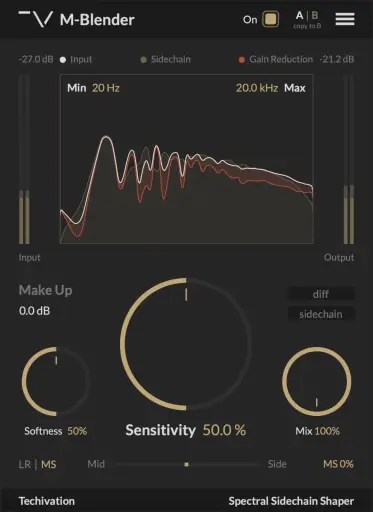
M-Blender creates space in a mix by cleaning up clashing frequencies between tracks. It uses true spectral processing to dynamically carve space for the side-chain signal and prevent frequency masking. Now, achieving exceptionally clear mixes demands minimal effort on your part. No more clutter or frequency masking issues in your mixes. It’s common to have tracks that share similar frequency ranges in a mix, which can lead to frequency masking issues. The M-Blender allows you to effectively resolve this problem without sacrificing any dimension in your sound staging, thanks to its accurate spectral processing algorithm.
Total Posts: ❨ 🎵➡198 ❩ | Paged: ➡ 3








