JavaScript disabled

This website requires JavaScript to function properly.
Please enable it in your browser and reload the page.

Download HiDERA | MaGeSY ®™⭐
🎵 MaGeSY® R-EVOLUTiON™⭐⭐⭐

  • Remixing in Studio One Explained TUTORiAL-HiDERA-MaGeSY

    Remixing in Studio One

    HiDERA | 02 March 2025 | 429 MB

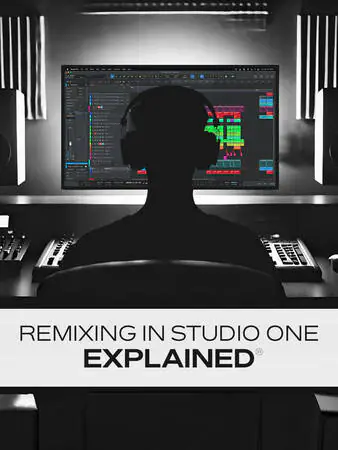
    Ready to try remixing a song in Studio One but aren’t quite sure where to start? Well, in this music production remixing video course, Studio One wiz Gary Hiebner will take you through the process of remixing a song in two different styles, showing you exactly what needs to be done and how to do it. You’ll learn how to separate a stereo audio file into stems (vocals, drums, bass, etc.), timestretch parts, add extra instruments, use Launcher for arrangement ideas, locate additional samples, and much more! By the end of the course, you’ll be raring to go start your own remix and try out your newfound skills right away! These videos are for Studio One users who are familiar with operating Studio One, but new to remixing. Gary begins by showing you two different ways to determine the tempo of the track you’d like to remix – using tap tempo or the Detect Tempo feature. Then you’ll see how stem separation works in Studio One, allowing you to split a single stereo audio file into stem tracks of vocals, drums, bass, etc., so you can control each element separately. Gary also will show you how to decide which tracks (or parts of tracks) will be used for the remix version, how to set the tempo for the remix, and how to time-stretch the old audio tracks to match the new tempo.


    Viewed 15619 By Music Producers & DJ´s.

  • Pro-Q Explained 2025.03 TUTORiAL-HiDERA
    April 2nd, 2026 ⚡
    Categories:

    Pro-Q Explained TUTORiAL-HiDERA-MaGeSY

    Pro-Q Explained TUTORiAL

    HiDERA | 08 March 2025 | 273 MB

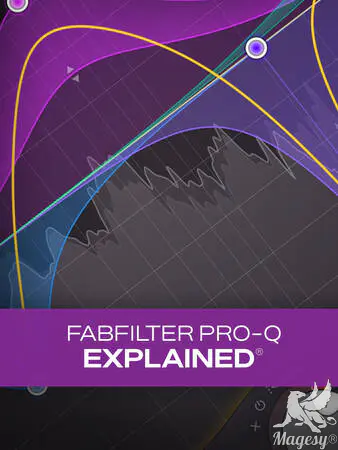
    Join studio master Eli Krantzberg as he takes you through Fab Filter Pro-Q 2, 3 & 4, some of the most highly regarded equalizer plug-ins available. In this in-depth video tutorial series, you’ll learn everything you need to know about how to navigate and utilize this creative EQ in sound design, mixing, and even mastering. Eli begins with a walk through of the entire interface, showing you where all the main functions can be accessed. From there, he dives right into creative workflow tips, covering creation, selection editing, and soloing. More advanced functions are then explored, such as the new Keyboard Quantize feature, Spectrum Analyzer and Grab, and the EQ Match function. That leads into the new Tilt and Band Pass shapes, variable EQ functions, Mid/Side Processing options, Auto Gain, and the Natural Phase Processing Mode which matches the analog phase response of the source material. Next, Eli covers all the preset and display options in detail, and then wraps it all up with videos on the new Q 3 & 4 versions and all the new features and Functions.


    Viewed 28152 By Music Producers & DJ´s.


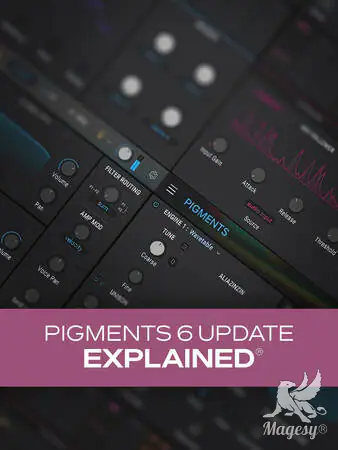
  • Pigments 6 Update Explained TUTORiAL-HiDERA-MaGeSY

    Pigments 6 Update Explained®

    HiDERA | 08 March 2025 | 118 MB

    Join synth guru Larry Holcombe for a look at the newly updated Pigments 6 from Arturia. In this Pigments 6 video course, you’ll get a rundown of all the new features and improvements, clear explanations of how they work, and plenty of inspiring demonstrations to show what you can do with the new features. Whether it’s creating classic vocal effects with the new Vocoder effect, exciting new modulation possibilities with randomization, or the new Modal Engine, it’s all covered here! By the end of the course, you’ll be fully up to speed with all these new additions and will be ready to use them on your very next track. These Pigments 6 videos are designed for new users of Arturia’s Pigments version 6 virtual synthesizer. To begin, Larry welcomes you and briefly touches upon the new features before covering each in detail. He also shows how to select similar sounds using the machine learning feature within the preset browser, which can help quickly identify alternative sounds that are similar. Then it’s on to the Modal Engine, which is a new feature designed to mimic the response of various acoustic sound properties. You’ll learn about the Collision and Resonator settings, including how to excite the resonator with a drum beat by using the side-chain input. The Friction section is covered then, along with a demonstration of how to use the Modal Engine with modulation, reverb, and delay.


    Viewed 17795 By Music Producers & DJ´s.


  • Session Bassist Jam Bass KONTAKT-HiDERA-MaGeSY

    Jam Bass v1.0.1 KONTAKT

    HiDERA | 14 March 2025 | 8.24 GB

    Flexible bass tones

    The classic sound of an iconic offset bass guitar featuring dual passive single-coil pickups. Quickly write bass parts in any genre with over 280 playable patterns and phrases. Perform and customise your own solo melodies and basslines.


    Viewed 55364 By Music Producers & DJ´s.


  • FFT Pro-Q 4 Tips! TUTORiAL-HiDERA
    March 31st, 2026 ⚡
    Categories:

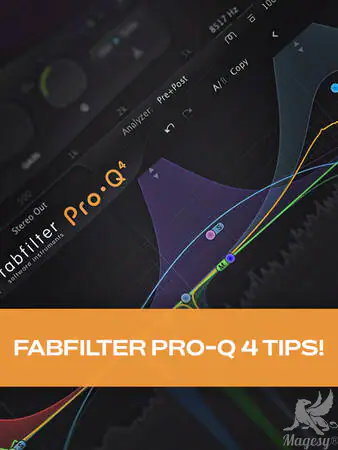
    FFT Pro-Q 4 Tips! TUTORiAL-HiDERA-MaGeSY

    FFT Pro-Q 4 Tips!

    HiDERA | 01 June 2025 | 249 MB

    Join production guru Larry Holcombe for a fun, informative video course on FabFilter’s Pro-Q 4. You’ll learn how to use this amazing EQ in multiple scenarios, including mixing, mastering, and other utility applications. Pro-Q 4 is an incredibly capable EQ, and after this FabFilter course, you’ll find more ways to use it effectively with confidence and ease, starting with your very next production. These FabFilter Pro-Q 4 videos are designed for users with a basic familiarity of FabFilter Pro-Q 4. Larry kicks off the course by showing you how to set initial filtering for multiple sounds using only one instance of Pro-Q 4 – handy for conserving CPU resources among other things. Then you’ll see how to create a wider, more expansive-sounding master by using Pro-Q 4’s mid/side EQ.


    Viewed 61382 By Music Producers & DJ´s.


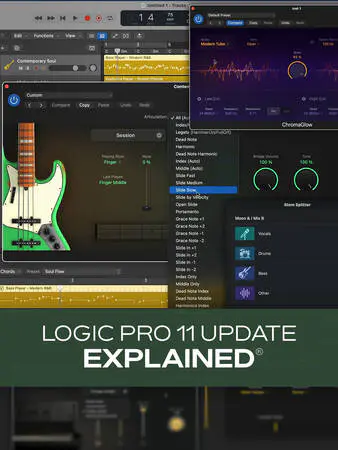
  • Logic Pro 11 Update Explained TUTORiAL-HiDERA-MaGeSY

    Logic Pro 11 Update Explained®

    HiDERA | 01 June 2025 | 480.52 MB

    Join Logic Pro expert Eli Krantzberg on a journey through all the amazing features in Logic Pro 11! Apple really went all out in this new version, and you’ll learn about everything that’s new and/or improved. From all the new instruments and plug-ins to the AI-driven assistant features, Eli leaves no stone unturned, and you’ll be up to speed and taking full advantage of these improvements in no time! These Logic Pro 11 videos are designed for new Logic Pro 11 users. Eli begins with a brief overview of the main updates and additions in Logic Pro 11, so you’ll know what’s to come, and then explores the new Session Players AI-based feature. You’ll learn how it allows you to quickly and easily generate realistic-sounding performances for drums, bass, and piano in numerous genres, along with the many ways in which you can customize the parts via the Session Player Editor. Next, Eli covers each of the new instruments—Studio Bass and Studio Piano – in detail, highlighting the different models, microphone combinations, and all the other tweakable parameters available that will let you dial in the exact sound and feel you need. This is followed by a look at the various ways of getting chords into the Chord Track, as well as the myriad options for sound and part customization within the Session Player Editor for Studio Bass and studio piano.


    Viewed 67648 By Music Producers & DJ´s.


  • LUNA Jump Start TUTORiAL-HiDERA
    March 29th, 2026 ⚡
    Categories:

    LUNA Jump Start TUTORiAL-HiDERA-MaGeSY

    LUNA Jump Start TUTORiAL

    HiDERA | 23 March 2025 | 277 MB

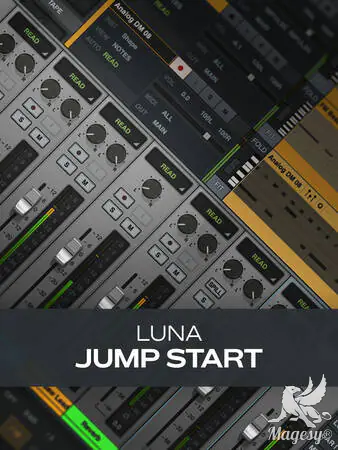
    Ready to try Universal Audio’s powerhouse DAW LUNA? You’re in the right place. With this LUNA video tutorial course, you’ll be on the fast track to quickly mastering this DAW and creating killer recordings in no time. Veteran Groove3 instructor and production expert Eli Krantzberg walks you through the process of recording and mixing a basic song from start to finish, familiarizing you along the way with all the key components, like the transport, tempo setting, recording/editing MIDI and audio, setting up a cue (headphone) mix, saving your work, using effects, and much more. By the end of the course, you’ll be ready to start tracking your next project in LUNA right away! These LUNA videos are designed for new LUNA users. To begin the course, Eli shows you how to properly set up your audio interface for recording/playback followed by how to set up a new session. Then you’ll get an overview of the interface so you’re well-acquainted with the main components (Focus Browser, Focus Channel, control bar, monitor section, etc.) as we move into specifics.


    Viewed 26394 By Music Producers & DJ´s.


MaGeSY TeleGram Subscribe & Stay up to date with all the Posts that are published in MaGeSY MaGeSY Podcast: Subscribe & Stay up to date with all the Audio Posts that are published in MaGeSY MaGeSY Instagram Official MaGeSY-Youtube Official MaGeSY-X Official MaGeSY-Facebook Official Social Networks:MaGeSY-Pinterest Official MaGeSY-WhatsApp Channel Official  MaGeSY-TiK-TOK Channel Official

Total Posts: ❨ 🎵➡412 ❩ | Paged: ➡ 3


ಮ್ಯಾಜೆಸ್ಯ್