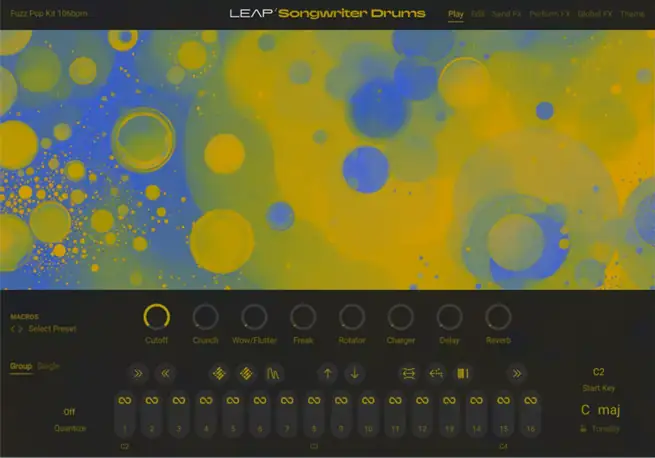
Songwriter Drums KONTAKT 8
HiDERA | 07 November 2025 | 439 MB
Discover Songwriter Drums Leap Expansion for Kontakt 8. Get acoustic grooves that move with your song, from soft verses to huge choruses.
Viewed 10433 By Music Producers & DJ´s.
Tags:


Discover Songwriter Drums Leap Expansion for Kontakt 8. Get acoustic grooves that move with your song, from soft verses to huge choruses.
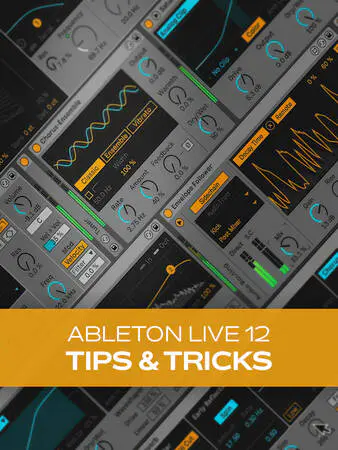
Join Thomas Cochran for an in-depth Ableton Live video course on creative tips and tricks for Live 12! This Ableton course will teach you exciting ways to be creative in Live, whether you’re looking to design a killer bass synth sound from scratch, set up powerful side-chain paths for that record-ready sound, and much more. This Ableton Live course will quickly take you off the beaten path and into interesting uncharted territory, opening up entirely new possibilities for workflow, sounds, and more. These Ableton Live videos are designed for existing Ableton Live 12 users who already know their way around Live 12. Thomas begins by showing how to set up sidechain effects in Live 12, just in case you don’t already know, as it’s a very useful technique that can be used in myriad ways. Then, Thomas will demonstrate an alternative side-chaining method that utilizes the Shaper and Utility tools, enabling extremely quick side-chain setup.
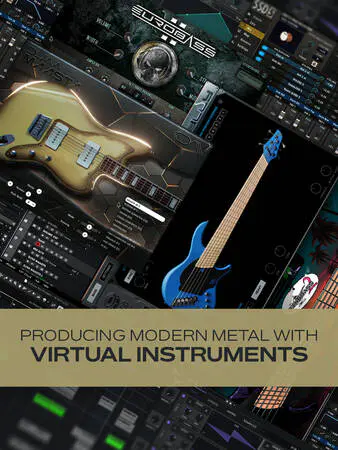
If you’re a fan of modern metal but you don’t play a stringed instrument or have access to the gear you need, this course is for you! Production guru Gary Hiebner shows you how to create incredible modern metal tracks using nothing but virtual instruments. A feat that was unheard of a decade ago, it’s now possible to realistically emulate all these sounds without ever strapping on a guitar or bass. You’ll learn invaluable tips on maximizing realism with MIDI tracks, most of which will be applicable in any genre, as well as arranging and mixing concepts along the way. These videos are for metal fans who want to create modern-sounding tracks using the tools they have available. Gary begins by providing a concise summary of the topics covered in the series, then delving into the various VIs he will utilize for drums, bass, guitars, and synths. Then it’s down to business, starting with the drums, where you’ll learn valuable information on selecting the appropriate kit, programming realistic parts, and editing velocities for increased authenticity. A demonstration follows, showing you how to route the individual drums to separate outputs for separate processing in the DAW.
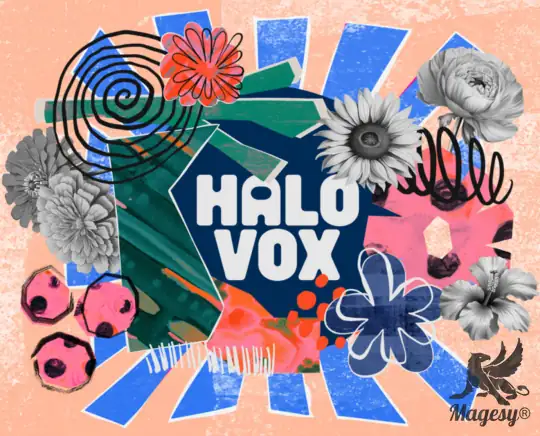
A Play Series instrument that elevates productions with evolving pads, sequenced textures, and rich vocal layers, from pure vowels to futuristic vocal design. Halo Vax delivers instant inspiration. Halo Vox channels the power and beauty of the human voice, from radiant choirs and glowing vowels to powerful vocal layers that stretch into infinity. Layered harmonies meet sequenced whispers, evolving textures, and futuristic vocal design for soundscapes that feel both human and otherworldly. The result is a luminous blend of warmth, soul, and atmosphere that lifts your productions. Halo Vox was created in collaboration with legendary engineers Curtis “Sauce” Wilson and Rochad “Ro” Holiday, who have worked with the likes of Ne-Yo, Ariana Grande, and Dr Dre. The duo also created Play Series instruments Glaze, Glaze 2 and Duets.
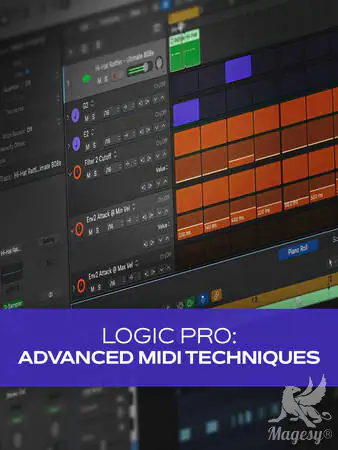
Ready to level up your MIDI game in Logic Pro? You’re in the right place! In this Logic Pro video course, MIDI guru Larry Holcombe will show you plenty of helpful techniques and skills that can transform your workflow and greatly improve the sounds you’re getting out of your virtual instruments. You’ll learn handy tips like using the Chord Trigger and Transposer to quickly sketch out a chord progression and methods for increasing the realism in drum parts by adding ghost notes, to name but a few. By the time you’re through with this MIDI course, you’ll feel much more familiar with the MIDI elements in Logic Pro and will be able to take advantage of many time-saving and quality-improving tools on every new song. These Logic Pro MIDI videos are designed for Logic Pro users with a basic Logic Pro and MIDI familiarity. To begin, Larry welcomes you and briefly discusses what will be covered in this series, so you’ll know where we’re headed. The first stop on this tour of MIDI functionality in Logic Pro is the Note Repeater MIDI FX plugin, which Larry uses to create hands-on glitchy drum fills. Then he shows you how to use the Time Handles to time-stretch MIDI data for quick editing in the piano roll.
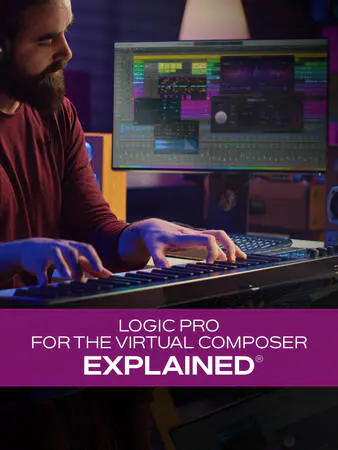
Logic Pro expert Stephen O’Connell presents a highly informative Logic Pro video course dedicated specifically to Logic Pro users composing primarily with MIDI instruments. Not only will you learn techniques for easing the burden on your CPU when dealing with resource-intensive VIs, but you will also discover plenty of other helpful tips, such as working with multi-timbral instruments, signal flow routing, resampling sounds, and much more, all of which will greatly improve your workflow. These videos are designed for intermediate Logic Pro users who work with predominantly virtual instruments on a regular basis. Stephen begins with a brief overview of everything that will be covered in this course and then gets right down to business, examining how Logic Pro handles CPU resources and illustrating various ways to maximize your resources in this regard. You’ll also learn how to freeze or disable tracks that aren’t being readily worked on, which will lighten the load considerably (especially in larger sessions), and how to optimize your system for running third-party MIDI libraries. Next, Stephen will show you how to start up Logic Pro without the core audio driver. This is helpful when trying to deal with projects that won’t open correctly or possibly contain corrupted data, etc. This is followed by a demonstration on how to resample sounds from a library when you only need a few notes or phrases, thereby freeing up valuable CPU resources for the other more heavily used instruments.
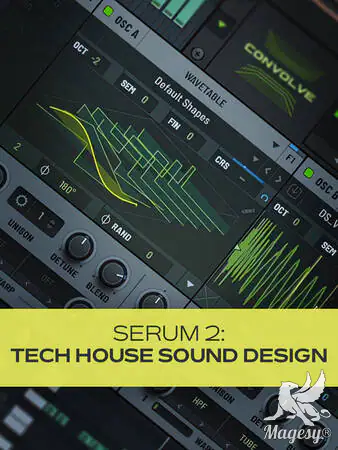
Do you dig tech house? Why not design your own sounds for it? In this Serum 2 video tutorial course, electronic music expert Larry Holcombe will show you how to do just that. If you thought creating your own patches was too hard, think again. In this Serum 2 course, Larry will walk you through the process using nothing but Serum 2, teaching you how to build percussion, bass, and FX sounds and everything that’s involved. You’ll learn how to blend synthesis and sampling, chop up samples to create loops, add effects and modulation, and more! These Serum videos are designed for Serum 2 users looking to set their tech house productions apart by designing custom sounds from scratch.
Total Posts: ❨ 🎵➡412 ❩ | Paged: ➡ 0








