JavaScript disabled

This website requires JavaScript to function properly.
Please enable it in your browser and reload the page.

Download Explained | MaGeSY ®™⭐
🎵 MaGeSY® R-EVOLUTiON™⭐⭐⭐

  • Audacity Explained TUTORiAL-FANTASTiC
    March 21st, 2026 ⚡
    Categories:

    Audacity Explained TUTORiAL-FANTASTiC-MaGeSY

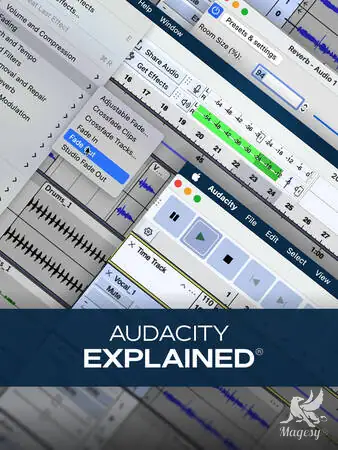
    Audacity Explained®

    FANTASTiC | 21 September 2025 | 291 MB

    “Audacity Explained®” teaches you how to quickly record, edit, mix, and export audio using one of the most popular free DAWs available, Audacity. In this thorough Audacity video course, you’ll get a walk-through of every key function in Audacity – from setting up your audio devices to mastering effects and everything in between – so you can confidently create professional-quality audio projects. You’ll also learn workflow tips, creative techniques, and time-saving methods that will make working in Audacity smooth and efficient. These Audacity videos are designed for new Audacity users. The Audacity course begins by showing you how to set up your audio devices properly and import audio, along with basic playback controls to navigate your project efficiently. You’ll then learn additional playback options that allow looped and precise playback, followed by essential recording techniques for capturing audio cleanly and accurately.


    Viewed 7861 By Music Producers & DJ´s.

  • Cascadia Explained TUTORiAL-HiDERA
    March 20th, 2026 ⚡
    Categories:

    Cascadia Explained TUTORiAL-HiDERA-MaGeSY

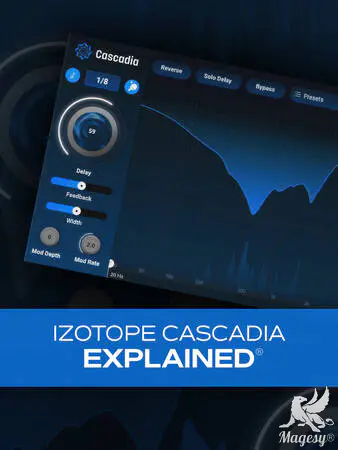
    Cascadia Explained TUTORiAL

    HiDERA | 21 December 2024 | 80 MB

    In this Cascadia video tutorial course, production wiz Larry Holcombe takes you on a deep dive of iZotope’s powerful plugin Cascadia, an intelligent delay effect with an unmasking module that’s guaranteed to help improve mix clarity. If you’ve struggled with things feeling too cluttered when using delays in the past, Cascadia can be a godsend, and this video course is the quickest and easiest way to learn how to use it with confidence and authority. From basic controls like feedback and time (synced or not) to unique features like the Unmask module, it’s all here. These videos are designed for new Cascadia users. Larry starts off with a brief overview of the plug-in and a tour of Cascadia’s interface, so you’ll know up front where everything is located. Then you’ll learn to explore the top header and see how presets are managed, so you can save, recall, and browse your favorites. Specific controls are then demystified next, like the internal bus system, feedback, width, and time (tempo synced or manual).


    Viewed 76290 By Music Producers & DJ´s.


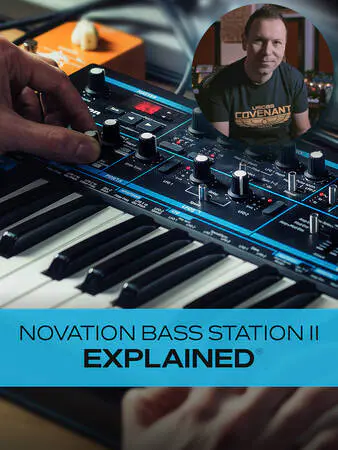
  • Novation Bass Station II Explained TUTORiAL-HiDERA-MaGeSY

    Novation Bass Station II Explained®

    HiDERA | 02 February 2025 | 3.2 GB

    Join analog synth expert Albert Rizzo Schettino for a detailed Novation Bass Station II video course! In this Bass Station II course, Alberto will not only familiarize you with all of the synth’s components, controls, and parameters, but he’ll also share many tips and techniques he’s learned during his extensive experience with this legendary modern monosynth. By the time you complete this Bass Station II course, you’ll be well on your way to creating your own custom bass, lead, and arp tones with skill and confidence! These Bass Station II videos are designed for new Bass Station II users, but there’s plenty of info more intermediate-level users as well. After welcoming you to the course, Alberto begins with a brief overview of the synth’s layout and main components. Though it can look dizzying to the synth beginner, Alberto methodically explains each section in an easy-to-grasp fashion that will bring even the complete neophyte up to speed. Then it’s on to some of the most central components of the Bass Station II, starting with the Mixer, which is where you’ll control the levels of the various components, followed by a look at the Oscillator and LFO sections, both of which are hugely integral to the sounds created by the synth. Next, you’ll fully explore the Arpeggiator/Sequencer, which you’ll use when creating those dazzling arp effects or sequenced bass or lead runs. You’ll see how to use the various Arpeggiator patterns as well as create your own custom sequences (up to 32 notes), both of which can add energy and momentum to your productions.


    Viewed 38070 By Music Producers & DJ´s.


  • Using AI for Music Production Explained TUTORiAL-HiDERA-MaGeSY

    Using AI for Music Production

    HiDERA | 02 February 2025 | 280 MB

    Join music production expert Larry Holcombe for an engaging, comprehensive video course on using AI for music production. If you’re curious about creating music with AI, this course is definitely for you. Larry covers many different AI sources and plugins, describing how they can be used and demonstrating how to take advantage of their AI tools in numerous ways – from creating new content (lyrics, chord progressions, etc.) or improving/rearranging existing content to replacing vocals, creating samples, and much more. By the end of this music production course, you’ll be ready to start using these AI tools and concepts in your very next production. These music production videos are designed for those new to AI for music production. Larry welcomes you and briefly introduces some of the topics you’ll look at throughout the course, but then jumps right in, showing you how to quickly generate four different song snippets with Udio. You’ll then see ways to extend these ideas and flesh them out with other sections like intros, bridges, and more. Next, you’ll learn how to use Udio’s Remix feature to generate new ideas from an existing track, which can then be bounced out as a stereo WAV file or individual stems or tracks. Larry then demonstrates how to use the previously created sample and generate a new beat in Logic Pro (with Serato Sample) that’s ready to send to a rapper!


    Viewed 43189 By Music Producers & DJ´s.


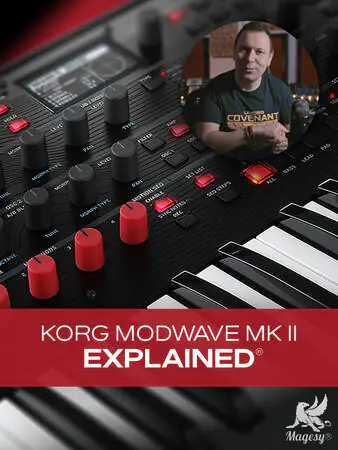
  • KORG Modwave Mk II Explained TUTORiAL-HiDERA-MaGeSY

    KORG Modwave Mk II Explained®

    HiDERA | 06 April 2025 | 7.91 GB

    Join synth expert Alberto Rizzo Schettino for an intensely thorough look at KORG’s formidable Modwave Mk II hardware synth. KORG went deep with this synth, and the possibilities within are truly mind-boggling. You’ll not only learn about the common components, such as the oscillators, filters, envelopes, etc., but Alberto will investigate two other unique aspects of this synth – Kaoss Physics and Motion Seq 2.0 – at length, providing you with a nearly inexhaustible supply of modulation and motion capabilities and sound design magic. These videos are designed for new Modwave Mk II users. Alberto begins by welcoming you and providing a quick overview of what the Modwave Mk II can do. This is followed by an examination of the block diagram, so you’ll have a good idea of how signal flows through the instrument, and a quick flyover of the main components and sections of the synth, giving you the general lay of the land before we get into specifics. You’ll then see how to quickly browse through the many excellent presets to audition the sounds and/or find a jumping-off point for creating your own patch.


    Viewed 16688 By Music Producers & DJ´s.


  • KONTAKT 5 Update Explained TUTORiAL
    March 18th, 2026 ⚡
    Categories:

    KONTAKT 5 Update Explained TUTORiAL-MaGeSY

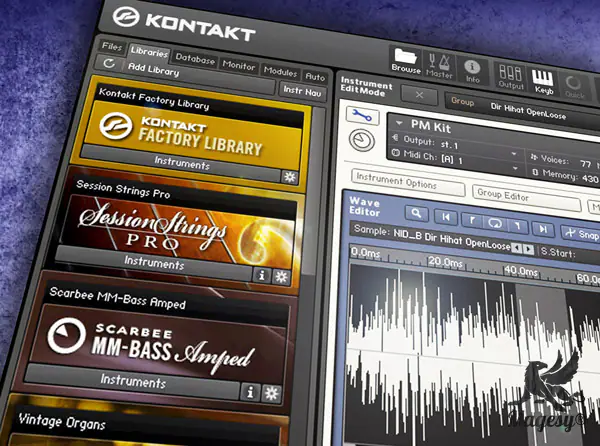
    KONTAKT 5 Update Explained

    TEAM MATRiX | 30.04.2014 | 249 MB

    Studio master Mark Struthers shows you everything you need to know about the new features added to KONTAKT version 5. See and learn all the new features and functions that this powerful update brings to this world-class software sampler. Mark begins with an introduction briefly discussing the new additions to KONTAKT 5. He then begins with a detailed look at the new filters included with version 5, revealing the Variable Filters, SV Filters, Ladder Filters, Adaptive Resonance Filters and more. Time Machine Pro is then explored and you’ll see just how easy it is to pitch shift material while keeping its original tempo in place. Mark now goes old school and breaks down the new SP1200 and MPC60 MASCHINE Sound Engines that are built into KONTAKT 5, giving you that great vintage vibe for your samples.


    Viewed 74535 By Music Producers & DJ´s.


  • Ableton Live 12 Explained v2025.07 TUTORiAL
    March 18th, 2026 ⚡
    Categories:

    Ableton Live 12 Explained TUTORiAL-MaGeSY

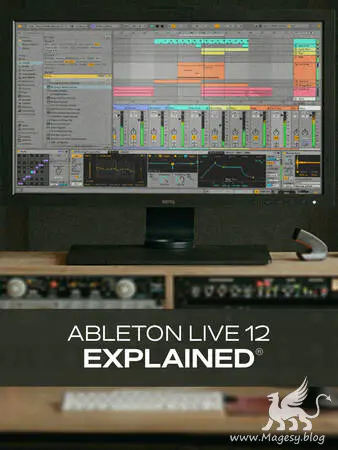
    Ableton Live 12 Explained®

    HiDERA | 19 July 2025 | 704 MB

    If you’re new to Ableton Live 12, you’re in the right place. In this comprehensive Ableton Live 12 video course, production expert Thomas Cochran will guide you through all the features that make Ableton Live 12 one of the most popular DAWs out there. You’ll learn everything you need to know to get up and running quickly, as well as plenty of information that will come in handy once you’ve gotten your feet wet with the basics. These Live 12 videos are designed for new Ableton Live users. Thomas begins by welcoming you to the course and showing you how to properly configure your inputs, outputs, and MIDI controllers for use with Ableton Live 12. You’ll also learn how to create your first song and see how the use of templates can help save time for future projects. Thomas then discusses the various views (session, arrangement) you’ll use in standard projects, as well as how Ableton Live differs from other DAWs in this regard. Next, delve into the browser’s features and content, and learn how it can enhance your production workflow. Thomas then moves on to some basic functionality (transport control, etc.) and gets you started with some commonly used key commands for time-saving efficiency.


    Viewed 27361 By Music Producers & DJ´s.


MaGeSY TeleGram Subscribe & Stay up to date with all the Posts that are published in MaGeSY MaGeSY Podcast: Subscribe & Stay up to date with all the Audio Posts that are published in MaGeSY MaGeSY Instagram Official MaGeSY-Youtube Official MaGeSY-X Official MaGeSY-Facebook Official Social Networks:MaGeSY-Pinterest Official MaGeSY-WhatsApp Channel Official  MaGeSY-TiK-TOK Channel Official

Total Posts: ❨ 🎵➡640 ❩ | Paged: ➡ 4


ಮ್ಯಾಜೆಸ್ಯ್